एटीएम चे थरारक नाट्य- भाग-४ अजय कोटणीस atm drama
*एटीएम नाट्य…*
(तिसरा व शेवटचा अंक,भाग १ ला )
एटीएम मशीन मधील बिल्ट इन कॅमेऱ्याच्या सहाय्याने एटीएम प्रकरणाचा उलगडा होऊन हवालदार जमदाडेंची तक्रार खोटी असल्याचे सिद्ध झाले होते व त्यांनी तक्रार मागे घेतल्यावर हे प्रकरण एकदाचे संपुष्टात आले होते.
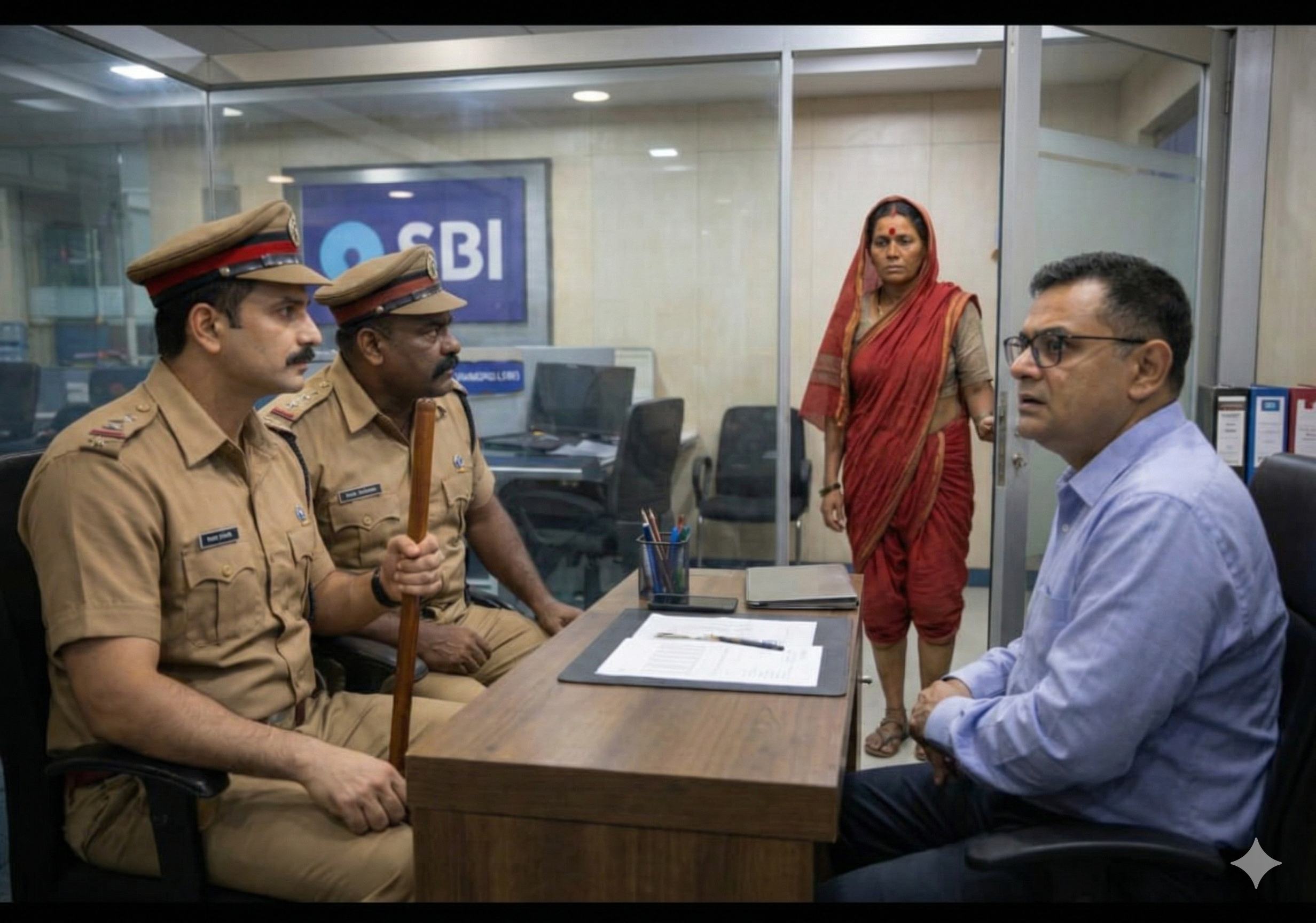
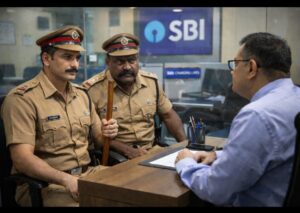
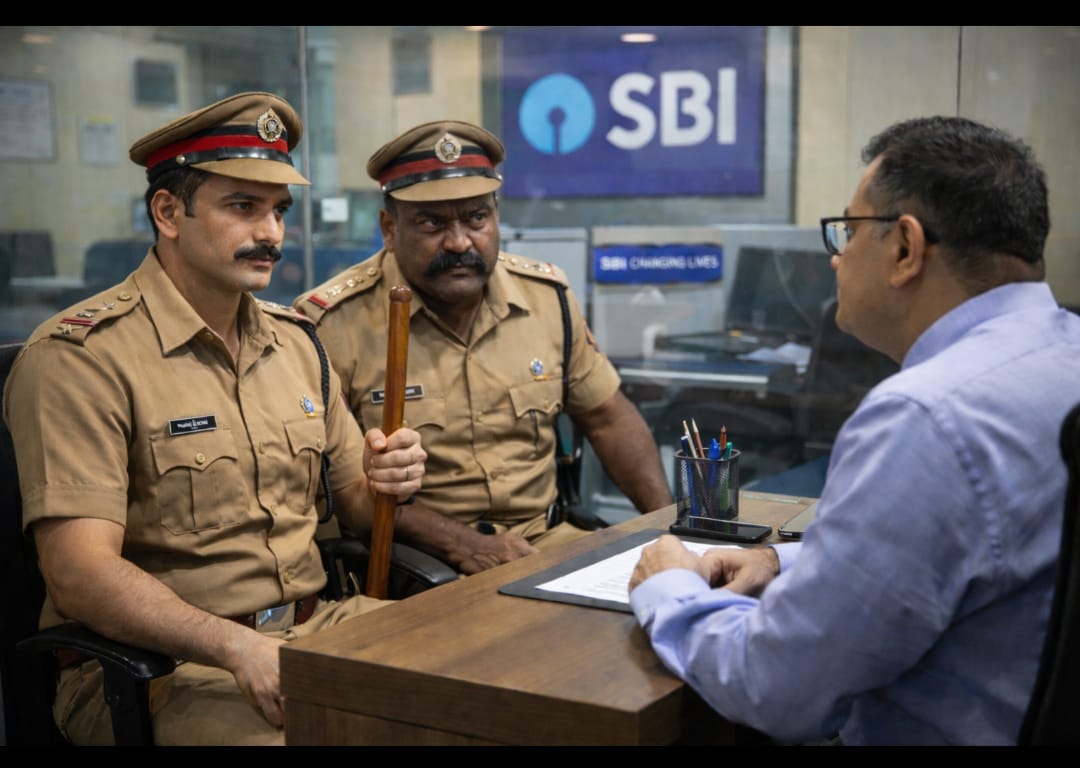
केबिनमध्ये माझ्यासमोर बसलेल्या इन्स्पेक्टर खराटेंनी आतापर्यंत मांडीवर काढून ठेवलेली पोलिसी कॅप पुन्हा आपल्या डोक्यावर घातली आणि टेबलावर ठेवलेली आपली चमकदार लाकडी छडी उचलून ती उंचावत म्हणाले..
“तुम्हा सर्वांचे पुन्हा एकदा धन्यवाद ! हे प्रकरण आता संपलेलं आहे आणि तुम्ही पूर्णपणे विसरूनही जायचं आहे. या बद्दल कुणाशीही चर्चा करून पोलिसांची बदनामी होईल असे कृत्य केल्यास त्याचे गंभीर व प्रतिकूल परिणाम होतील अशीही मी तुम्हाला विनंतीवजा, अगाऊ नम्र सूचना देऊन ठेवीत आहे. ह्या नत्थुलाल उर्फ हवालदार खुशालराव जमदाडेंवर डिपार्टमेंट तर्फे योग्य ती कार्यवाही केली जाईलच. तुम्हाला अन्य कोणत्याही बाबतीत पोलिसांच्या सहकार्याची गरज भासल्यास आम्ही आपल्या सेवेसाठी सदैव तत्पर आहोत..”
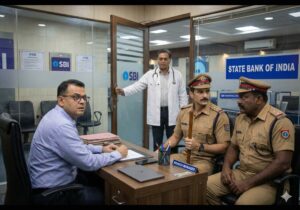
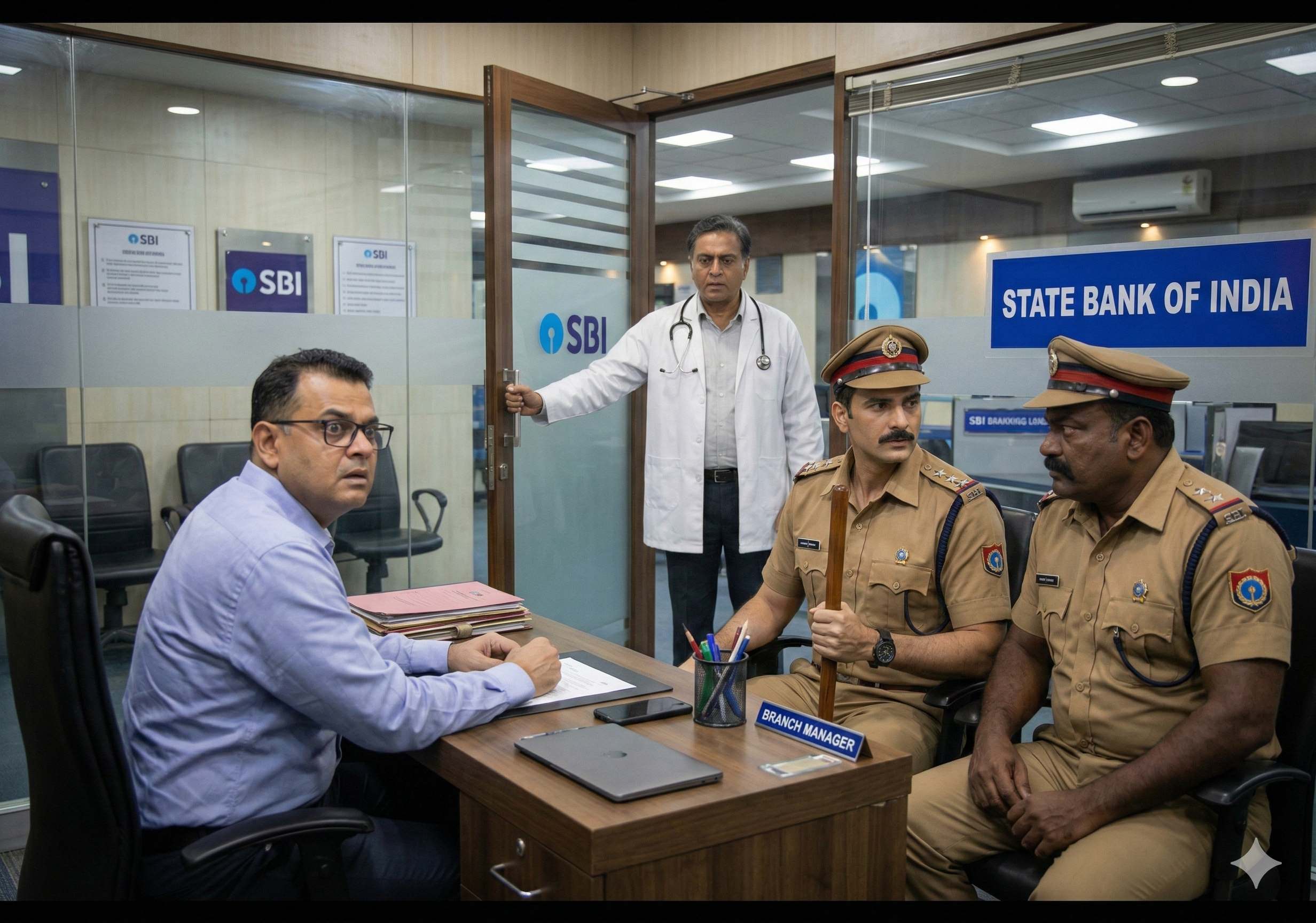
इन्स्पेक्टर खराटे बोलत असतानाच अचानक सरकारी दवाखान्याचे डॉक्टर विक्रम भोसले घाईघाईत केबिनमध्ये आले. त्यांना “हाऊसिंग लोन इंटरेस्ट सर्टिफिकेट” वर माझी सही हवी होती. मी सर्टिफिकेट वर सही करीत असताना सहज त्यांचे लक्ष माझ्या पुढ्यात बसलेल्या हवालदार जमदाडेंकडे गेले. सर्टिफिकेट नेताना क्षणभर थबकून काही तरी आठवल्यागत ते मागे फिरले आणि म्हणाले..
“अं.. अं.. साहेब, तुम्ही मला पंधरा तारखेला रात्री एटीएम मधून पैसे काढून जाताना एटीएम रूमच्या जवळपास कुणी दिसलं होतं का म्हणून विचारलं होतं ना ? त्यावरून आठवलं..! त्या दिवशी बँकेच्या गेटच्या बाहेर हे हवालदार जमदाडे आईसक्रीमवाल्या नंदूशी रागारागाने काहीतरी बोलत होते. मी त्यांना नमस्कारही केला पण त्यांनी माझ्याकडे लक्षच दिलं नाही. त्यामुळे मी माझी मोटारसायकल काढली आणि घराकडे निघून गेलो.”
डॉक्टर भोसलेंचं बोलणं ऐकताच इन्स्पेक्टर खराटेंचे डोळे आश्चर्यानं चमकले. ते डॉक्टरांना म्हणाले..
“थांबा..! तुमची नक्की खात्री आहे की त्यादिवशी रात्री बँकेबाहेर तुम्ही या हवालदार जमदाडेंनाच पाहिलं होतं ?”
“हो साहेब ! हवालदार साहेबांशी माझी जुनी ओळख आहे. त्या दिवशी मी बँकेबाहेर येताच वीज गेली होती. तरीपण रस्त्यावर थोडा उजेड होता. हवालदार साहेबांच्या फेमस मिशांवरून मी त्यांना लगेच ओळखलं..”
डॉक्टर भोसलेंचं उत्तर ऐकताच इन्स्पेक्टर खराटे उत्तेजित होऊन म्हणाले..
“तुम्ही आत्ता जे बोललात ते कागदावर लिहून देऊ शकाल ?”
“हो..! अवश्य..!!”
असं म्हणून डॉक्टर भोसलेंनी घडलेला प्रसंग जसाच्या तसा एका कागदावर लिहून त्यावर आपली सही करून तो कागद इन्स्पेक्टर खराटेंच्या हातात दिला.
“थँक्यू..!” असं म्हणून डॉक्टर भोसलेंना निरोप दिल्यावर इन्स्पेक्टर भोसलेंनी बसल्या जागेवरूनच मोठ्याने ओरडून बँकेच्या सिक्युरिटी गार्डला केबिनमध्ये बोलावलं. सिक्युरिटी गार्ड आत येताच ते म्हणाले..
“जा..! त्या बँकेसमोरील आइस्क्रीमवाल्या नंदूची गचांडी धरून आत्ताच्या आत्ता त्याला इथे घेऊन ये..”
ड्युटी वर असताना गेट सोडून बाहेर कसं जावं ? म्हणून माझ्या अनुमतीसाठी सिक्युरिटी गार्डने प्रश्नार्थक नजरेने माझ्याकडे पाहिलं. ते पाहताच एकाएकी इन्स्पेक्टर खराटेंचा पारा चढला. दरडावणीच्या सुरात ते त्याला म्हणाले..
“साहेबांकडे काय बघतोस ? पोलिस चौकशी सुरू आहे. तुझ्या साहेबांनी जर नाही म्हटलं तर सरकारी कामकाजात अडथळा आणला म्हणून तुझ्या सहित तुझ्या या साहेबालाही अटक करून घेऊन जाईन. मग बसा बोंबलत..”
मी मानेनेच सिक्युरिटी गार्डला “जा..” म्हणून इशारा केला. गार्ड बाहेर गेल्यावर इन्स्पेक्टर खराटेंना म्हणालो..
“डॉक्टर भोसलें प्रमाणेच नंदू कडेही एटीएम रूमच्या आसपास कुणी दिसले होते का ? याबद्दल मी चौकशी केली होती. कारण वीज परत आल्यावर सर्वप्रथम नंदूच एटीएम रूम मध्ये गेला होता. पण त्यालाही त्यावेळी एटीएमच्या आसपास कुणीच दिसलं नाही, असं तो म्हणाला..”
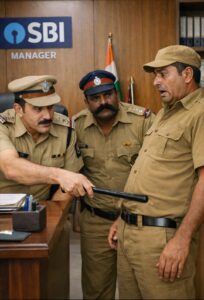
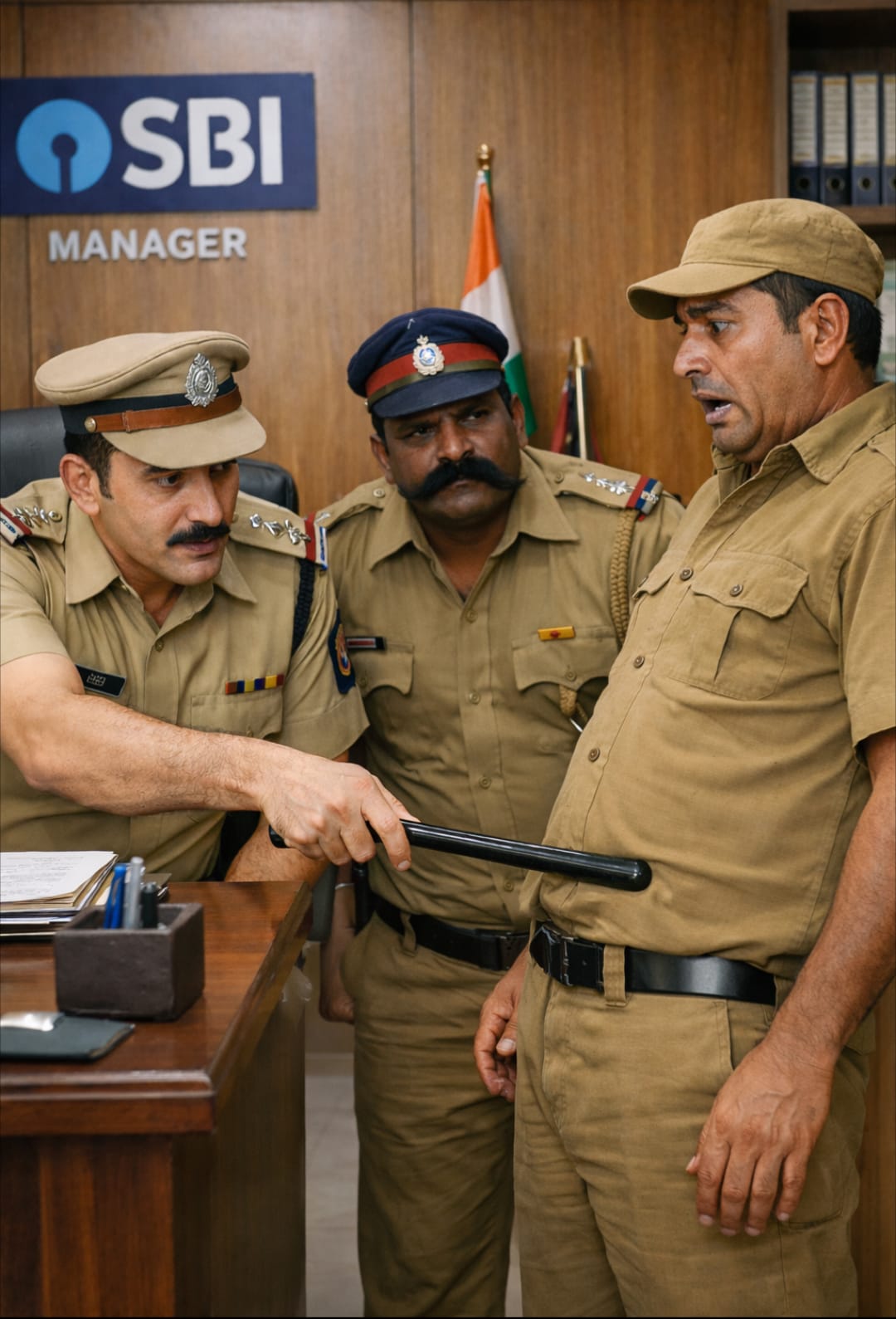
त्यानंतर थोड्याच वेळात नंदूचं बखोटं धरून सिक्युरिटी गार्डने त्याला केबिनमध्ये आणलं. आधीच भेदरलेल्या नंदूच्या पोटात खुनशीपणे आपला लाकडी रूळ जोराने खुपशीत इन्स्पेक्टर खराटे म्हणाले..
“चल बोल चटचट..! तू आणि हवालदार जमदाडे.. या दोघांनी मिळून काय प्लॅन रचला होता ? पंधरा तारखेला रात्री सव्वा नऊ वाजता बँकेच्या गेटबाहेर तुम्हा दोघांना एकत्र पाहण्यात आलं आहे. काय बोलणं झालं तुमच्यात त्या वेळी ?”
थरथर कापणाऱ्या नंदूने हळूच एकवार खाली मान घालून बसलेल्या हवालदार जमदाडेंकडे बघितलं आणि म्हणाला..
“पोलिस स्टेशनच्या रेग्युलर हप्त्याशिवाय वेगळा असा, दिवसाला पन्नास रुपये प्रमाणे अधिकचा हप्ता हवालदार जमदाडे माझ्याकडून दररोज वसूल करतात. गेल्या दहा दिवसांपासून ते मुंबईला गेले असल्याने त्यांचा हप्ता देणे बाकी होते. त्या दहा दिवसांचे पाचशे रुपये मागायलाच ते माझ्याकडे आले होते. नेमकं त्या दिवशी दुपारीच घराचं वीज बिल भरण्यासाठी आईस्क्रीम विक्रीचा दिवसभरातील गल्ला मी मुलाला दिला होता त्यामुळे माझ्याकडे पुरेसे पैसे नव्हते.
हवालदार साहेबांशी बोलत असतानाच अचानक गावातली वीज गेली होती. तरीदेखील अंधारातच मी परत खांबाला बांधलेल्या गाडीजवळ गेलो. गाडीची कुलुपं उघडली. आतला गल्ला उघडून बघितला. त्यात जेमतेम दीडशे रुपये होते. म्हणून आता एटीएम मधून काढूनच त्यांना पाचशे रुपये द्यावेत असा विचार केला. योगायोगाने तोपर्यंत वीजही परत आली होती. हवालदार साहेब अजूनही गेट बाहेर माझी वाट पहात उभे होते. त्यांना थांबायला सांगून मी एटीएम मध्ये जाऊन पाचशे रुपये काढून आणले व त्यांना दिले.”
नंदूचं बोलणं संपल्यावर भेदक नजरेने त्याच्याकडे पहात इन्स्पेक्टर खराटे म्हणाले..
“हे, तू सगळं खरं खरं सांगतोयस ना ? जरा देखील काही अन्य महत्वाची माहिती तू लपवत असलास तर तुझी काय हालत होईल, याची कल्पना आहे ना ?”
रडकुंडीला आलेला नंदू गळ्याला हात लावीत म्हणाला..
“माझ्या मुलाबाळांची शपथ घेऊन सांगतो साहेब.. हे असंच आणि एवढंच घडलं त्या दिवशी..”
“ठीक आहे ! मग आता बाहेर जा आणि आत्ता तू जे जे सांगितलंस ते जसंच्या तसं एका कागदावर लिहून त्यावर सही करून मला आणून दे. आणि हे बघ, पोलिस स्टेशनच्या रेग्युलर हप्त्याबद्दल त्यात काही एक उल्लेख करायचा नाही. समजलं ?”
मान डोलावीत नंदू बाहेर गेल्यावर इन्स्पेक्टर खराटे खोचकपणे मला म्हणाले..
“बराच सखो ssss ल तपास केलेला दिसतोय तुम्ही या एटीएम प्रकरणाचा. अगदी डिटेक्टिव्ह स्टाईल..! रहस्यकथा वाचण्याचा नाद आहे वाटतं तुम्हाला.. आणि, वेळ बरा मिळतोय तुम्हाला हे आगाऊ धंदे करायला..?”
बोलता बोलता फौजदार साहेबांचा आवाज एकदम चढला. डॉक्टर भोसले आणि नंदू यांच्याकडे मी चौकशी केल्याचं त्यांना अजिबात आवडलं नव्हतं, हे स्पष्टच दिसत होतं.
थोड्याच वेळात नंदू आपल्या साक्षी जबाबाचा सही केलेला कागद घेऊन आला. इन्स्पेक्टर खराटेंनी त्यावर नजर फिरवली आणि खुश होत म्हणाले..
“व्वा ! छान..! जा.. !! आता यापुढे कुणालाही अधिकचा हप्ता द्यायचा नाही, काय ? आणि कुणी जादा हप्ता मागितलाच तर थेट माझ्याकडे त्याची कंप्लेंट करायची. निघ आता तू..”
नंदू गेल्यावर अत्यंत तीक्ष्ण नजरेने हवालदार जमदाडेंकडे पहात फौजदार खराटे म्हणाले..
“तरी मला फार पूर्वीपासून शंका होतीच आणि खबऱ्यांकडून तसा रिपोर्टही मिळाला होता की बऱ्याच छोट्या धंदेवाल्यांकडून तू स्वतःचा वेगळा हप्ता वसूल करतोस म्हणून.. आज पक्का पुरावा हाती लागलाय.. आता गेल्या गेल्या कमिशनर साहेबांना एक फोन करतो आणि सांगतो त्यांना, त्यांच्या लाडक्या नत्थुलालचे एटीएम कारनामे..! संध्याकाळपर्यंत तुझ्या निलंबनाचा आदेश येईलच..”
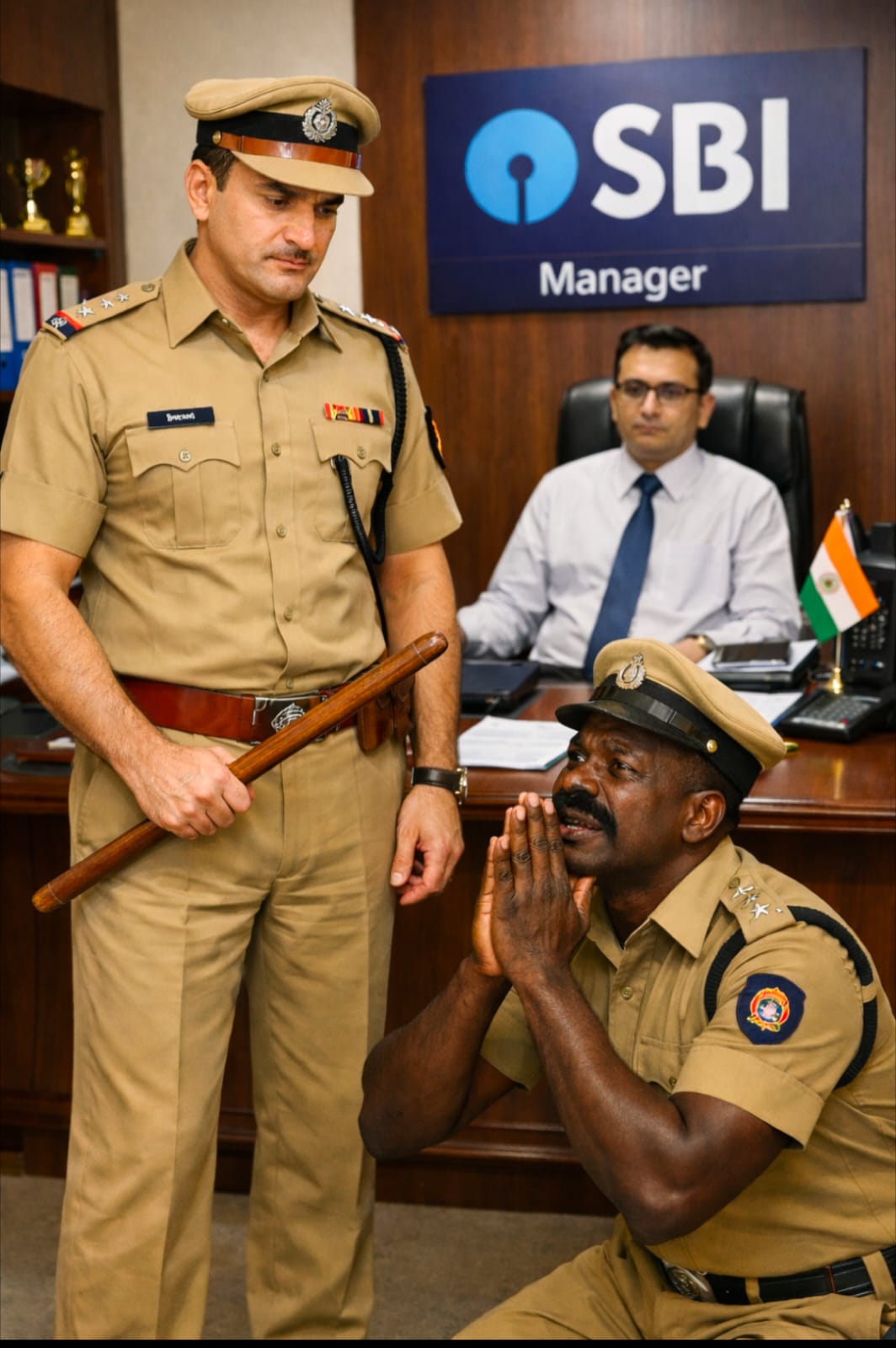
आतापर्यंत, हे काय चाललं आहे ? हवालदार जमदाडेंनी तक्रार मागे घेतल्यावरही इन्स्पेक्टर खराटे साक्षीदारांकडून लेखी जबाब का गोळा करीत आहेत ? हे मला काहीच समजत नव्हतं. पण हवालदार जमदाडेंना मात्र फौजदार साहेबांच्या प्लॅनची पुरेपूर कल्पना आलेली दिसत होती. अचानक खुर्चीवरून उठून फौजदार साहेबांच्या पायावर डोकं ठेवीत ते म्हणाले..
“साहेब, माफ करा. माझ्या पोराबाळांचा तरी विचार करा. तुम्ही जे म्हणाल ते करतो. हे मॅटर वरती रिपोर्ट करू नका. वाचवा मला साहेब, वाचवा..”
मला आश्चर्य वाटलं. निगरगट्टपणे, माझ्या नजरेला नजरही न देता खाली मान घालून गप्प बसलेल्या हवालदार जमदाडेंनी अजूनपर्यंत एकदाही माझी माफी मागितली नव्हती. फौजदार खराटेंपुढे मात्र गयावया करीत ते क्षमायाचना करीत होते. कदाचित, आम्ही बँकवाले त्याचं काहीच बिघडवू शकणार नाही, याची त्यांना खात्री असावी.
खाली वाकून आपल्या ठाणेप्रमुखाचे दोन्ही पाय घट्ट पकडून बसलेल्या हवालदार जमदाडेंचे खांदे धरून ठाणेदार खराटेंनी त्यांना उभं केलं आणि त्यांच्याकडे रोखून पहात ते म्हणाले..
“बेट्या ssss ! नोकरीतून सस्पेंड तर तू होणारच आहेस. आता फक्त कायमचा बडतर्फ होणार नाहीस याचीच तुला काळजी घ्यावी लागणार आहे..”
झाला तेवढा तमाशा पुरे झाला, इथे तर पोलिसांच्याच अब्रूचे धिंडवडे निघत आहेत हे जाणवून काही न बोलता फौजदार-हवालदाराची ती जोडगोळी परत जायला निघाली. परंतु खुशालरावांचं दुर्दैव अजून संपलेलं नव्हतं..
“आत येऊ का साहेब ?”
वीज मंडळाच्या खाकी युनिफॉर्म मधील एक लाईनमन केबिन बाहेर उभा राहून विचारीत होता. मी काही बोलण्याच्या आतच तो म्हणाला..
“मी सोमनाथ..! वीजमंडळात लाईनमन आहे. या भागातील वीज पुरवठा बंद-चालू करण्याची ड्युटी माझ्याच कडे आहे. तुम्हाला माझ्याकडे काही तरी काम असल्याचा काल माझा मित्र प्यारेलाल कडून निरोप मिळाला. म्हणूनच आज तुम्हाला भेटायला आलो आहे..”
सोमनाथचं हे बोलणं ऐकताच फौजदार साहेब जागीच थबकले. त्यांनी आळीपाळीनं एक दोनदा माझ्याकडे आणि सोमनाथकडे आश्चर्यमिश्रित अविश्वासानं बघितलं. अभावितपणे त्यांच्या तोंडून हलकीशी शीळ बाहेर पडली. जमदाडेंसह पुन्हा आपल्या जागेवर बसत आपले दोन्ही हात कोपरापासून जोडून मला नमस्कार करीत ते म्हणाले..
“ओ माय गॉड sss ! खरोखरीच धन्य आहे तुमची.. !! वीज मंडळापर्यंतही पोहोचलात तुम्ही ? आता मात्र कमाल झाली.. आणखी किती खोलवर घुसला आहात तुम्ही या नत्थुलालच्या केसमध्ये ? च्यायला, मी तर तुम्हा बँकवाल्यांना खूपच साधंभोळं समजत होतो, पण तुम्ही तर अती स्मार्ट, extra ॲडव्हान्स निघालात..”
फौजदार साहेबांच्या उपरोधिक बोलण्याकडे माझं लक्षच नव्हतं. सोमनाथचा आवाज ऐकताच हवालदार जमदाडेंनी चटकन् मान वर केली होती आणि मागे वळून ते सोमनाथ कडे पाहण्याचा प्रयत्न करीत होते. आणि खुशालरावांच्या चेहऱ्यावरील हावभावांचं मी बारकाईने निरीक्षण करीत होतो. सोमनाथला डोळ्यानेच खुणावून धमकावीत “इथे कशाला आलास ? ताबडतोब निघून जा..” अशी खूण ते करीत होते. पण त्यांच्या दुर्दैवाने सोमनाथचे त्यांच्याकडे लक्षच नव्हते. तो एकटक माझ्याकडेच पहात होता. आता पुढे काय करावं हे मलाही समजत नव्हतं. हे पाहून फौजदार साहेबांनी पुन्हा सारी सुत्रं आपल्या हातात घेतली. मला उद्देशून ते म्हणाले..
“अहो बघत काय बसलात ? बोलवा त्या सोमनाथला आत..!”
आणि मग स्वतःच सोमनाथ कडे हातातील छडी रोखत म्हणाले..
“ये बाबा, आत ये ! आणि आता हे मॅनेजर साहेब तुला जे जे प्रश्न विचारतील त्यांची खरी खुरी उत्तरं दे. लक्षात घे, ही पोलिस एन्क्वॉयरी आहे. खोटं बोलण्याचा किंवा कोणतीही माहिती दडवण्याचा थोडा जरी प्रयत्न केलास तरी या दंडुक्याने तुझी पाठ काळी निळी करून टाकीन..”
दबकत दबकतच सोमनाथ आत आला.
“हं..! विचारा मॅनेजर साहेब, तुम्ही काय विचारणार होतात या सोमनाथला ते..”
इन्स्पेक्टर खराटेंनी असा हुकूम सोडल्यावर मला विचारणं भागच होतं.
“पंधरा तारखेला रात्री सव्वा नऊच्या सुमारास पाच सहा मिनिटांकरिता वीज पुरवठा बंद झाला होता. तो तूच बंद केला होतास का ?”
“हो..”
नम्रपणे एकाच शब्दात सोमनाथने उत्तर दिलं.
“कशासाठी ? म्हणजे.., कुणाच्या सांगण्यावरून ?”
हा प्रश्न विचारल्या विचारल्या लगेच मी खुशालरावांकडे बघितलं. ते स्वतःच्या तोंडावर बोट ठेवून सोमनाथला “गप्प रहा, काहीच सांगू नकोस..” असा इशारा करीत होते. ठाणेदार साहेबांनी ते पाहिलं. करड्या स्वरात ते म्हणाले..
“सोमनाथ, कुणालाही अजिबात घाबरायचं नाही. फक्त खरं तेच सांगायचं..!”
“हो, सांगतो साहेब !”
तिरप्या, चोरट्या नजरेने जमदाडेंकडे पहात आणि त्यांच्याच कडे बोट रोखीत किंचित चाचरत सोमनाथ म्हणाला..
“या हवालदार साहेबांनी मला सांगितलं की बँकेत इमर्जन्सी लाईट बसवले असून वीज गेल्यावर त्याचा पुरेसा प्रकाश पडतो की नाही हे टेस्ट करायचे आहे. पोलिसांच्या देखरेखीत रात्री सव्वा नऊ वाजता हे टेस्टिंग करायचे आहे. त्यामुळे मी बाहेरून हाताने इशारा करताच तू बँकेसमोरील डिपी वरून लाईट बंद करायचेस. मग मी बँकेत जाऊन चार पाच मिनिटांतच इमर्जन्सी लाईट टेस्ट करीन. मी बँके बाहेर येऊन पुन्हा हाताने इशारा केल्यावर तू पुन्हा लाईट सुरू करायचेस. त्याप्रमाणे हवालदार साहेबांनी गेट बाहेरून इशारा करताच मी बँकेसमोरील डीपी वरून वीज पुरवठा बंद केला आणि हवालदार साहेब बँकेच्या गेट मधून आत गेल्यावर डीपी जवळच थांबलो. पाच एक मिनिटांनी हवालदार साहेब बँकेच्या गेट बाहेर आले आणि त्यांनी हात हलवून इशारा करताच मी वीज पुरवठा पुन्हा सुरू केला. बस इतकंच..!”
सोमनाथने दिलेलं स्पष्टीकरण ऐकून त्याच्या बुद्धीची कीव करत मी जरी कपाळावर हात मारून घेतला तरी फौजदार साहेब मात्र फारच खवळले. सोमनाथच्या अंगावर धावून जात ते म्हणाले..
“बस इतकंच ? अरे मूर्खा, बँकेच्या आतले इमर्जन्सी लाईट टेस्ट करण्यासाठी साऱ्या एरियातले लाईट बंद करायची काय गरज ? बँकेच्या मीटरचा मेन स्विच बंद केला असता तरी काम झालं असतं. आणि बँकेच्या अंतर्गत कामात पोलिसांचं काय काम ? आधीच पोलिसांना काय कमी कामं आहेत ? बँकेतर्फे वीजमंडळाकडे वीज पुरवठा बंद करण्यासाठी लेखी विनंती करण्यात आली होती का ?”
घाबरून मागे सरत सोमनाथ म्हणाला..
“ते काही मला माहीत नाही साहेब. या हवालदार साहेबांनी मला जसं करायला सांगितलं तसं मी केलं. तसंही पोलिसांच्या कुठल्याही कामाला “नाही” म्हणायची इथे कुणात हिंमत आहे साहेब ? उद्या, तुमच्या ठाण्यातील कोणत्याही शिपायाने कोणत्याही कारणासाठी पुन्हा गावातली वीज बंद करायला सांगितली तरी कसलंही डोकं न लावता मी ती बंद करीन..”
सोमनाथचं म्हणणं एका परीनं खरंच होतं. पोलिसांबद्दल त्याच्या मनात असलेला दरारा पाहून फौजदार साहेबांनाही आतून गुदगुल्याच होत असाव्यात. एकाएकी शांत होत ते सोमनाथला म्हणाले..
“तू आत्ता जे काही सांगितलंस ते तुझ्या सही निशी सविस्तरपणे लिहून दिलंस तर तुझ्यावर कोणतीही ॲक्शन न घेता तुला सोडून देईन. हा घे कागद आणि शांतपणे बाहेर बसून लिहित बस..”
फौजदार साहेबांनी दिलेला कागद घेऊन सोमनाथ बाहेर गेल्यावर हवालदार जमदाडेंनी पुन्हा एकदा काकुळतीने फौजदार साहेबांच्या विनवण्या करायला सुरवात केली. पण फौजदार साहेब कसल्यातरी दुसऱ्याच विचारात मग्न होते. सोमनाथ आपल्या जबाबाचा कागद आणून देईपर्यंत ते गप्पच होते. सोमनाथने दिलेला कागद त्यांनी वाचला आणि समाधानाने हसत जमदाडेंना म्हणाले..
“बापरे ! भरपूर लेखी पुरावे गोळा झाले. एवढे पुरावे तर मर्डर केस मध्ये सुद्धा आपण गोळा करत नाही. आता जर कमिशनर साहेबांना फोन केला तर बहुदा जेमतेम दोन तासातच तुमच्या सस्पेंशनची ऑर्डर येईल. हं…! खूप उशीर झाला आहे, चला निघू या.. नाहीतर आणखीन् एखादा तुमच्या विरुद्धच्या पुराव्याचा कागद स्वतःहून चालत यायचा इथे..”
अखेरीस एकदाचे इन्स्पेक्टर खराटे केबिनमधून बाहेर पडत होते. एव्हाना दुपारचे बारा वाजून गेले होते. रोजची सारीच महत्त्वाची कामं खोळंबली होती. आपल्या महत्त्वाच्या कामांनिमित्त मला भेटण्यासाठी आलेले अनेक कस्टमर्स “कधी एकदा हे इन्स्पेक्टर साहेब मॅनेजर साहेबांच्या केबिनच्या बाहेर जातात ?” याची वाट पहात बाहेर ताटकळत उभे असलेले दिसत होते.
इन्स्पेक्टर खराटेंचे सततचे उर्मट, हडेलहप्पी वर्तन आणि त्यांचे कुत्सित, उपरोधाने भरलेले, अपमानजनक ताशेरे यामुळे मीही वैतागलो होतो. आता या केसशी संबंधित आणखी कुणीही माझ्या केबिनमध्ये येऊ नये आणि पुन्हा नवीन खोळंबा होऊ नये हीच देवाकडे मनोमन प्रार्थना करीत होतो. पण हवालदार जमदाडें प्रमाणेच माझंही दुर्दैव त्या दिवशी संपता संपत नव्हतं.
“साहेब, मले काह्याले बलावलं होतं तुमी ?”
अचानक केबिनच्या दरवाज्या बाहेरून एक धसमुसळा, खेडवळ आवाज आला आणि माझ्या छातीत पुन्हा एकदम धस्स झालं.
(क्रमशः 5)